




AACSB App
If you are logged into the app, you will not need to enter the passphrase every time.
It can be used to access the app for 21 days post-event.Note that there is a different passphrase for each conference. This passphrase is provided to registered conference attendees only and should not be shared.
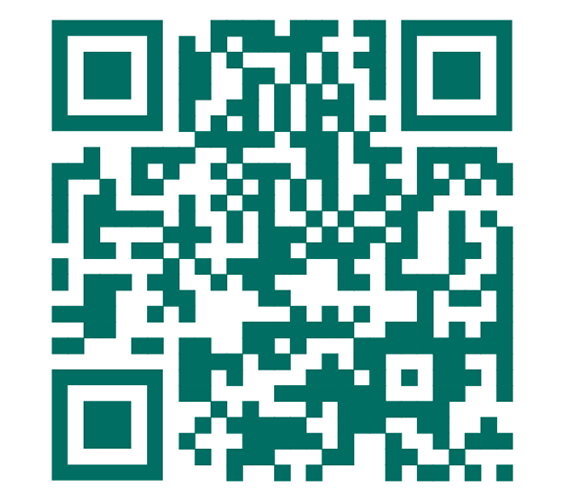
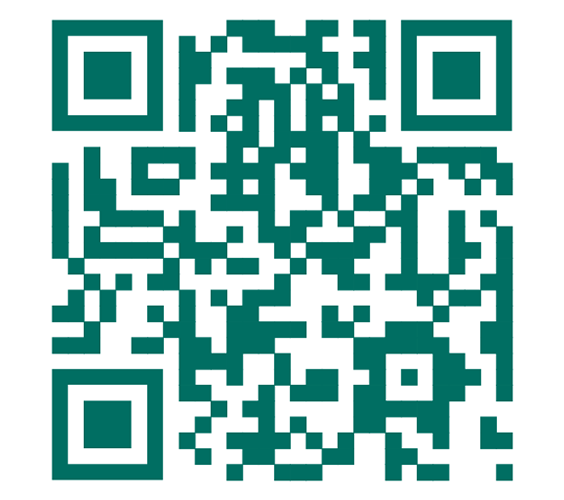
2 weeks before the conference, registered conference attendees will receive an email with the unique QR code and passphrase to access the guidebook. Registered conference attendees can also receive the code onsite at the conference.
You will need to enter the passphrase to access the conference materials in the app.
Make sure you have the most updated version of the app and follow these steps:
- Open the app.
- Select Events on the bottom menu
- Select your conference
- Input the passphrase provided in pre-conference materials or available on-site.
The AACSB app references the same login information you use for your AACSB account. If you’re having trouble, please email us at [email protected].
You do not need to log in to access the conference portion of the app, simply input the passcode provided in pre-conference materials or onsite.
- Confirm that you have the most updated version of the app.
- Make sure to have the email address and password that you used to register for the conference and is associated with your AACSB account. If you do not know your password, you can reset your password at my.aacsb.edu and then come back to the AACSB App to log in.
- Confirm that the email in your AACSB App profile is the same email that you registered for the conference. This email address should also be associated with your AACSB account.
- To confirm your email address, open the AACSB App and select My Account at the bottom.
- If the information listed is not correct, select the green Manage button, then 'edit' and log in with your correct information.
- If you still have trouble logging into the app, please email [email protected].